
Everything the job needs
Record the work once. Use it all the way through.
Day Worksheet keeps the practical details together, from the first hour on site to the professional record you send.


Download the app, then register inside it. There is no separate website sign-up.
What does Day Worksheet do?
Day Worksheet is a mobile app for recording a job as it happens. It captures labour hours, materials, equipment, quantities, prices, site photos and descriptions in one record, then produces a branded job sheet or invoice PDF you can send to the customer from your phone.
Time
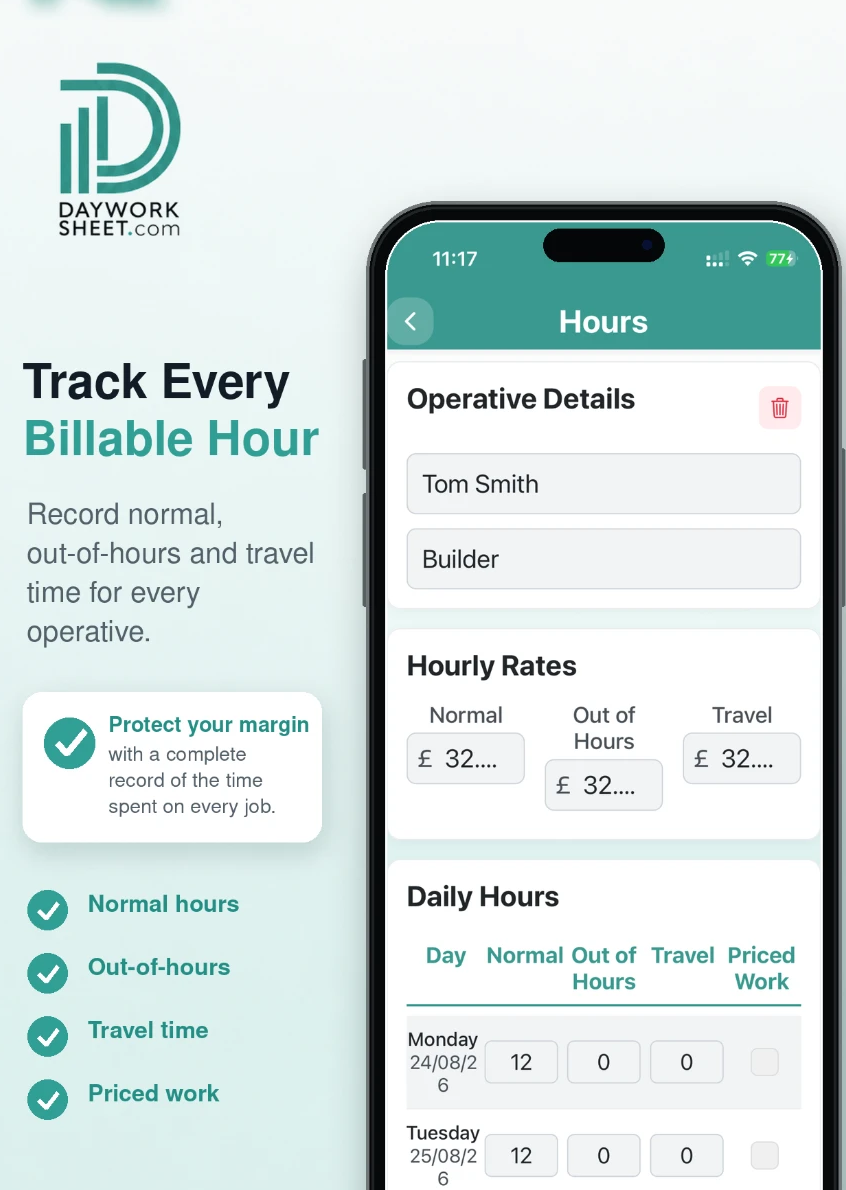
Track every billable hour
Record normal, out-of-hours and travel time against each operative on the job, while the day is still fresh.
- Per-operative hours
- Normal, out-of-hours and travel
- Hourly rates held on your profile
Cost
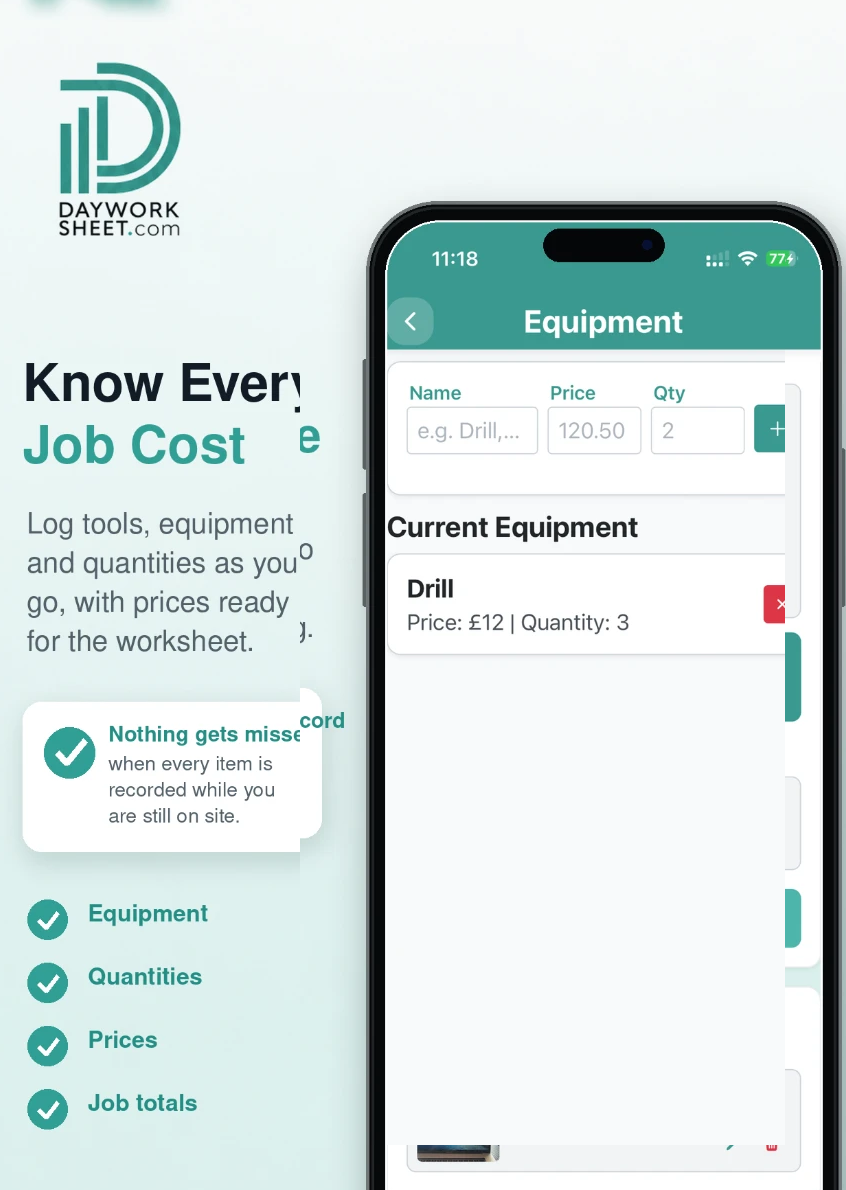
Know every job cost
Keep materials, equipment, quantities and prices with the job instead of scattered across notes and receipts.
- Materials and quantities
- Equipment and plant
- Prices captured on site
Proof
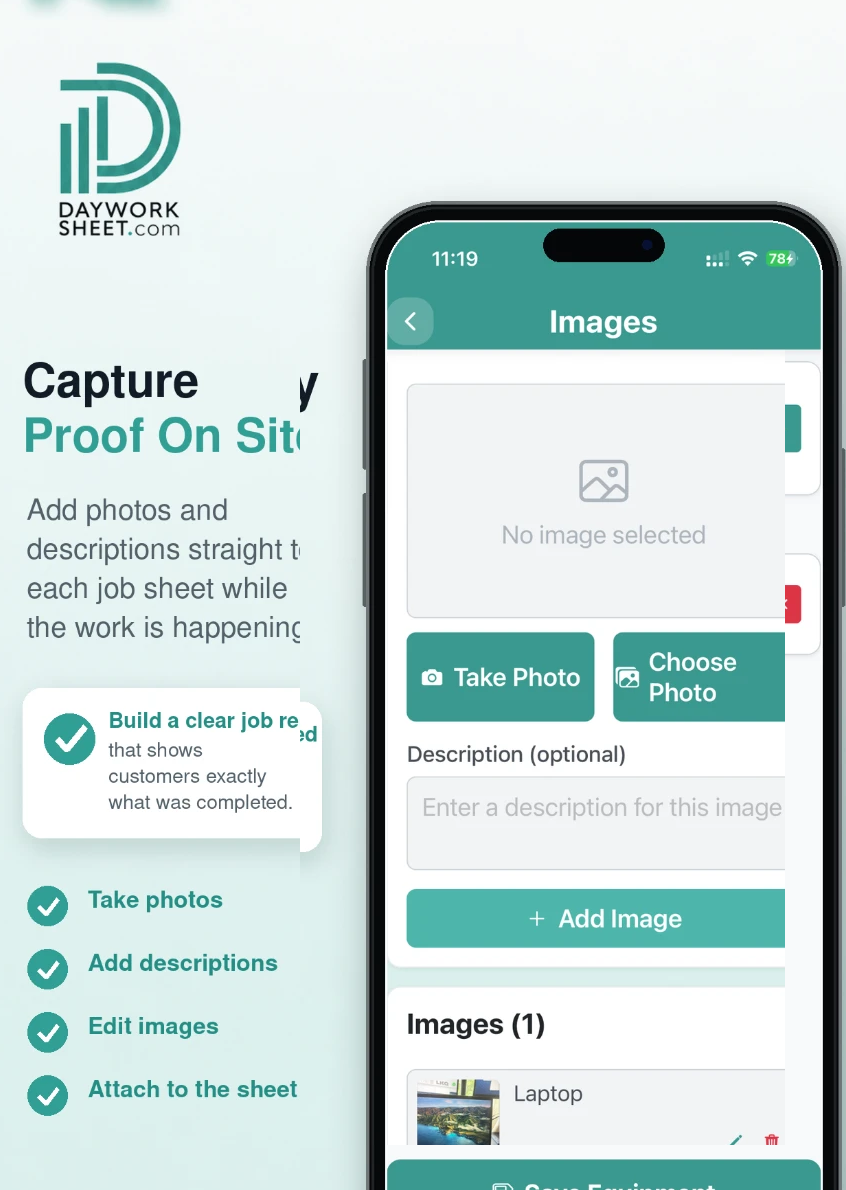
Capture proof on site
Add photos and written descriptions straight to the job record, so the evidence sits with the work it belongs to.
- Up to 4 images per sheet
- Descriptions alongside photos
- Captured as the work happens
Output
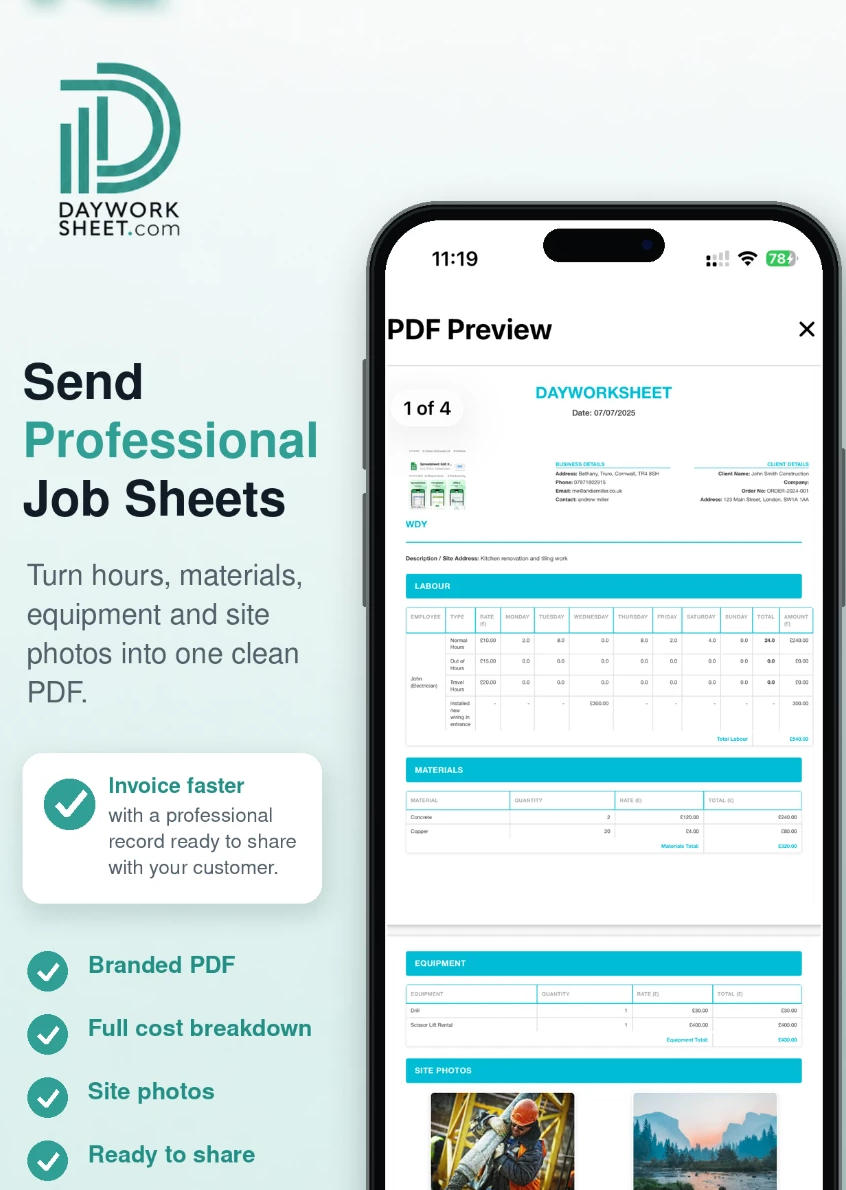
Send professional job sheets
Turn labour, materials, equipment and site photos into one customer-ready PDF you can send or share in seconds.
- Job sheet PDFs
- Invoices on paid plans
- Send or share from the phone
Brand
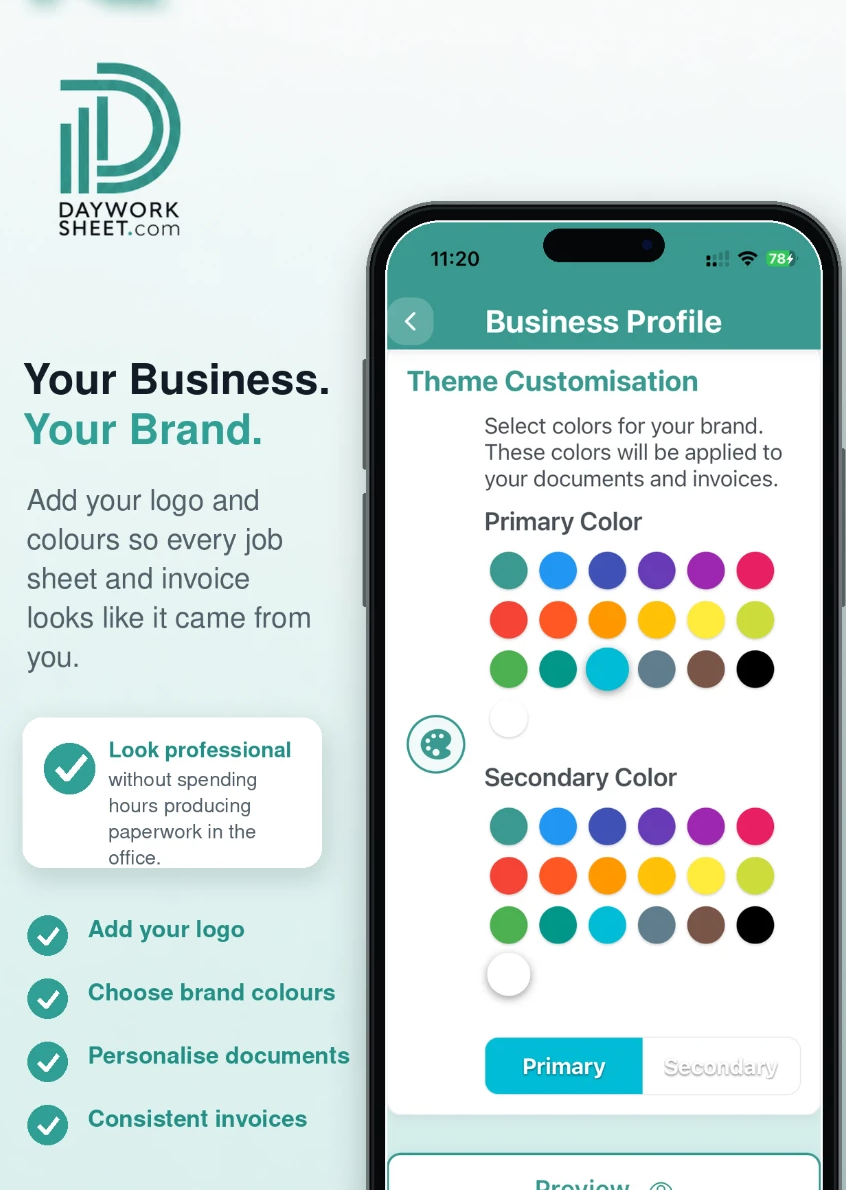
Your business, your brand
Add your logo and colours in Business Profile so every document looks like it came from your business.
- Your logo on documents
- Brand colours
- Your business details
Invoicing
Generate the invoice from the job sheet, with VAT and CIS worked out
Finish the sheet, generate the invoice and the app totals labour, materials and equipment, then calculates hours, costs, CIS payments and VAT from your business settings. Send the branded PDF before you leave site.
See how invoicing worksAlso in the app
The rest of what Day Worksheet does
Electronic signatures
The customer signs off the completed work on your phone before you leave site.
Multiple operatives
Add several operatives with different trades and rates to the labour on one job.
Day work and price work
Keep chargeable day work separate from agreed priced work on the same record.
Automatic calculation
Hours, costs, CIS payments and VAT are calculated for you. Always check the figures before sending.
Records kept on your device
Every job sheet and invoice is stored on the phone, so past jobs are there when a question comes up.
Send, share or save
Email the PDF, share it by message, or save it into your own filing on the phone.
What is included on each plan
| Plan | Job sheets | Invoices | Watermark | Sending & sharing | Images per sheet |
|---|---|---|---|---|---|
| Free — £0 | 2 job sheets | Check in app | Watermarked | Disabled | Up to 4 per sheet |
| Basic — £4.99 per month | 25 each month | Included | No watermark | Send and share | Up to 4 per sheet |
| Premium — £9.99 per month | 100 each month | Included | No watermark | Send and share | Up to 4 per sheet |
All plans include up to 4 images per sheet. Sending and sharing are available on paid plans; the Free plan is for trying the recording workflow. Paid subscriptions are billed by Apple or Google. Check the price shown in your store before purchase.
Less paperwork. Better records.
Finish the job, get paid quicker.
Record the work in one place, then turn the details into professional job sheets and invoices ready to send from your phone. The free plan includes 2 job sheets. They are watermarked and cannot be sent or shared until you upgrade.
 Scan with your iPhone or iPad
 Scan with your Android phone
Download the app, then register inside it. There is no separate website sign-up.