
Open the callout
Customer, address, time of arrival and what was reported.
job sheet app for drainage engineers
Blockages, jetting, CCTV surveys, repairs and septic tank work — usually urgent, usually messy.
Day Worksheet is a job sheet app for drainage and septic engineers. You record the callout, time on site, what was found on the jetting or camera run, parts and materials used, and photos of the drain before and after, then produce a branded invoice from the same job.
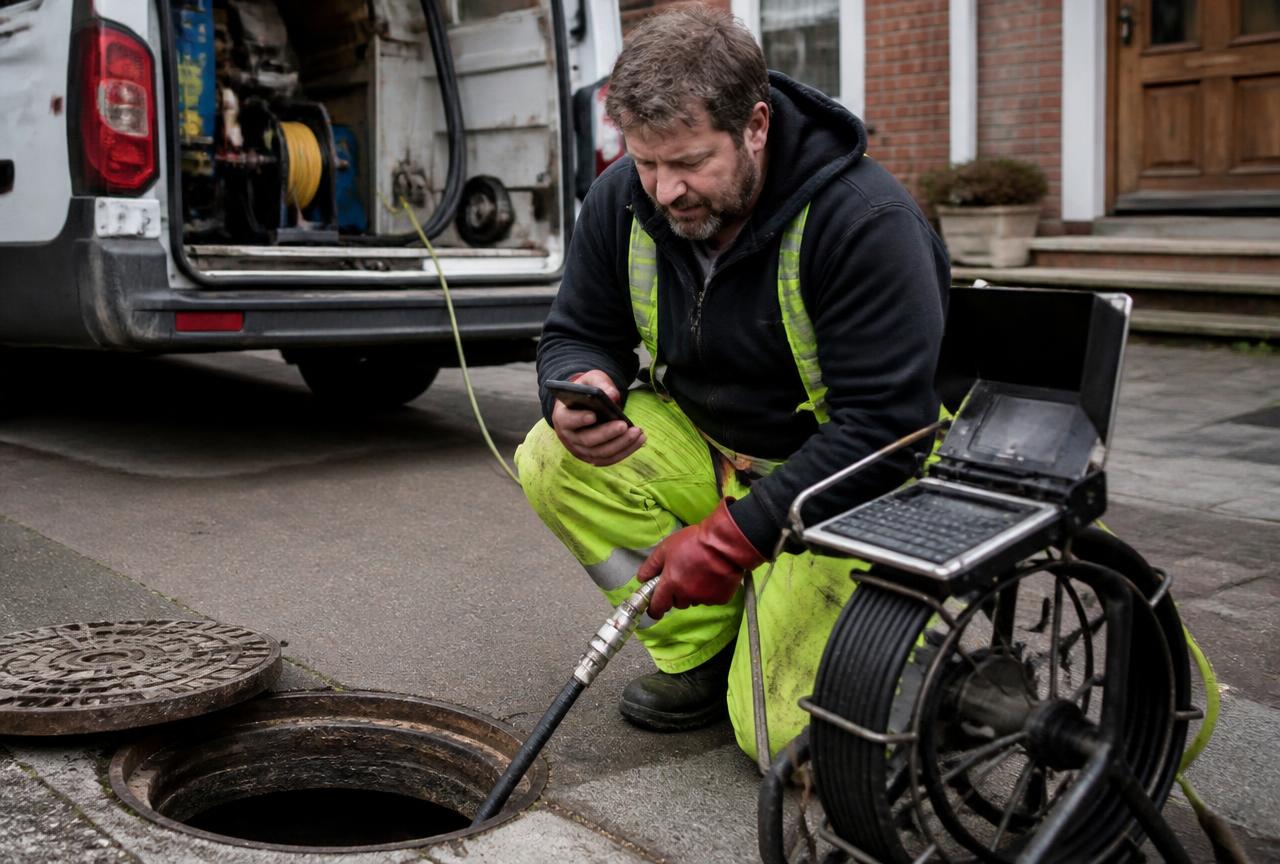
Customer, address, time of arrival and what was reported.
Blockage, collapse, root ingress or tank condition, in plain words.
Time on site at the correct rate, plus parts, fittings and consumables.
The run before and after, then the customer signs on the phone.
| Typical job | What goes on the sheet | Why it matters |
|---|---|---|
| Emergency blockage | Callout, hours, cause found, photos | Justifies an out-of-hours charge |
| CCTV survey | Time on site, findings, images | Gives the customer something to act on |
| Drain repair | Hours, fittings, excavation, photos | Backs a larger repair invoice |
| Septic tank service | Attendance, condition, work done | One clean record per visit |
Basic at £4.99 a month covers up to 25 job sheets, and Premium at £9.99 a month covers up to 100. Start on the free plan's 2 job sheets to see how many you actually create.
Yes. The point of the app is to finish the record before you leave rather than at the end of the week.
You can attach up to four images per sheet from your phone, including photographs of the camera screen.
Yes. You set the rate on each labour line, so an out-of-hours rate is applied where it belongs.
Yes. Electronic signatures are captured on the phone against the completed work.
 ElectriciansBoard changes, rewires, fault finding and remedial work — priced by the hour, by the day, or added to a job as an extra.
 Plumbers and heating engineersCallouts, boiler work, leaks and system repairs where both parts and time have to be recorded.
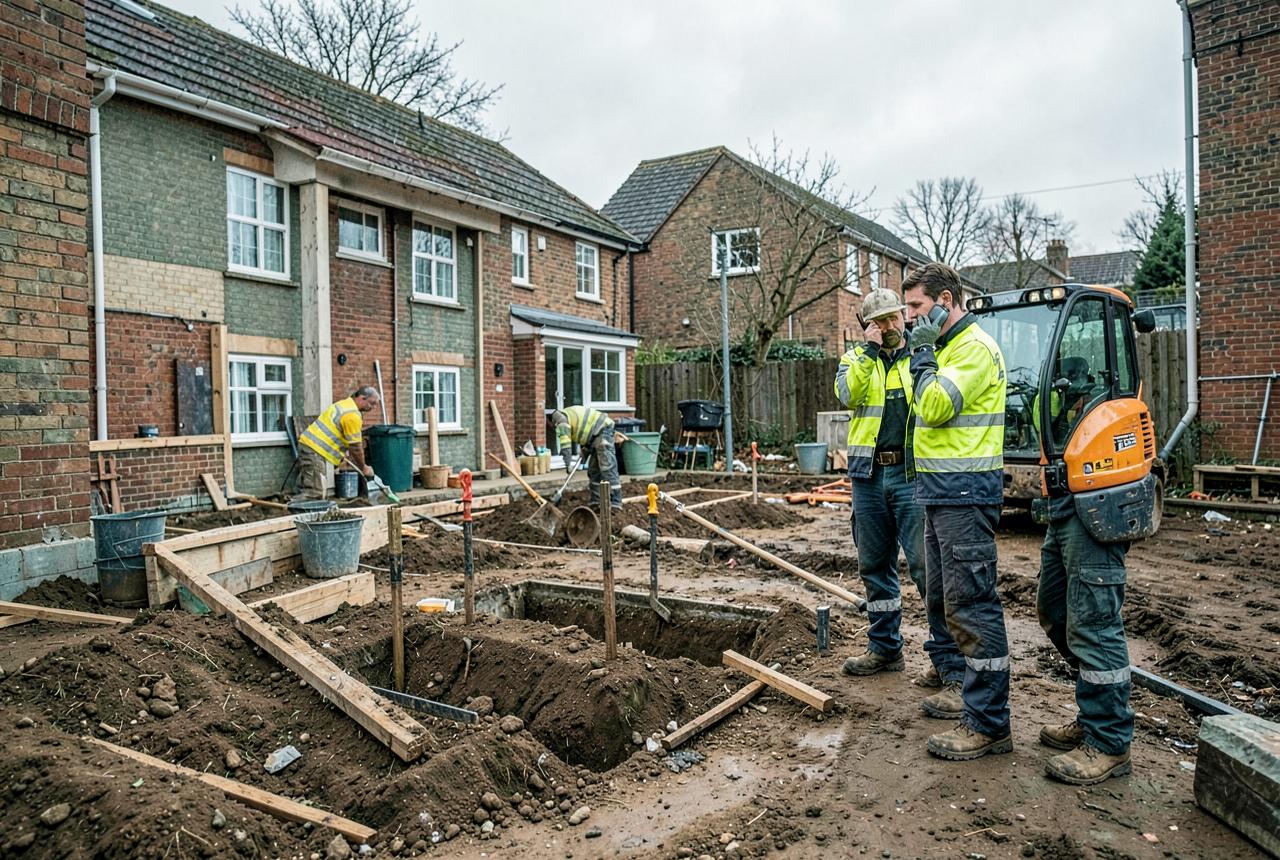 Builders and groundworkersVariation work, extras and anything outside the original price that has to be evidenced to get paid.
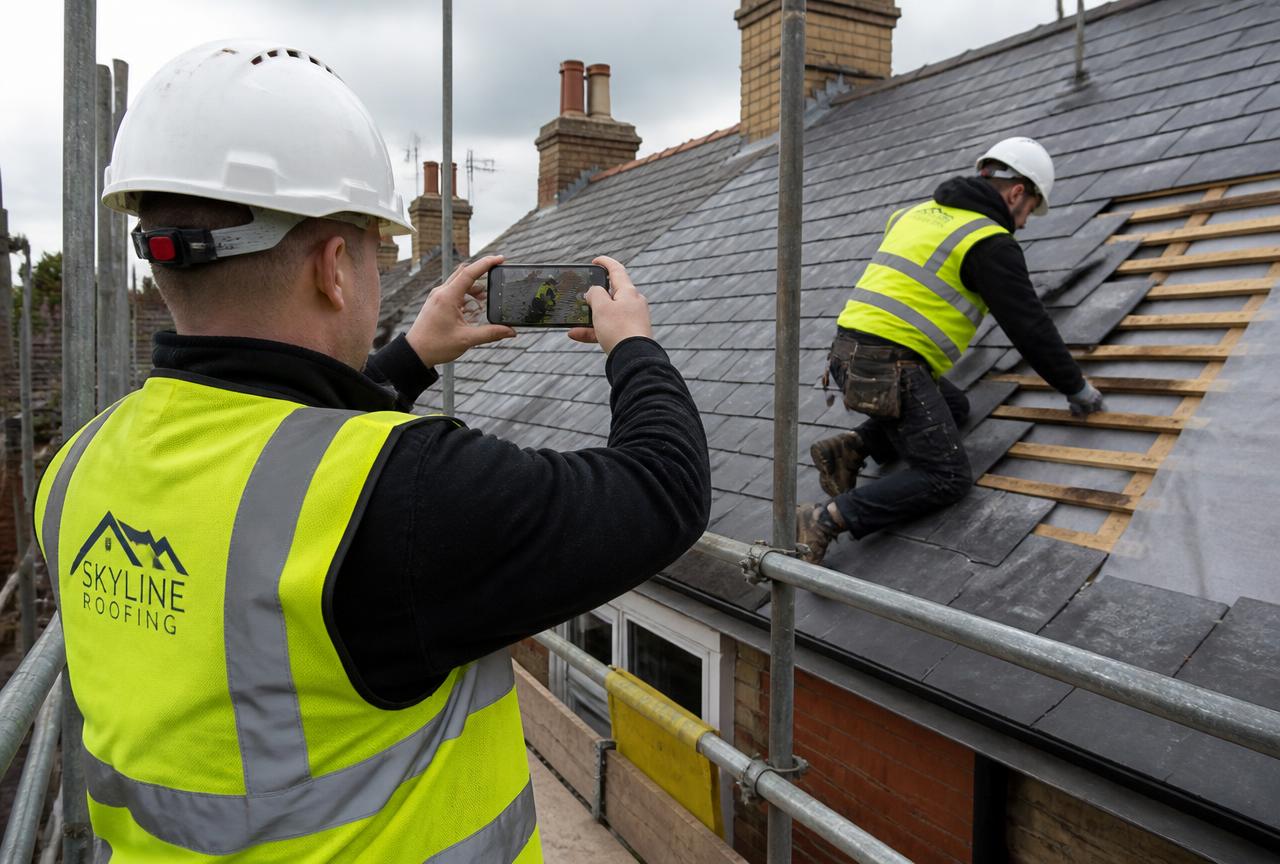 Roofers and external worksWeather-affected work at height where access equipment and proof photos matter more than anywhere else.
 Maintenance and facilities teamsRepeat attendances at the same buildings, where each visit needs its own clean record.
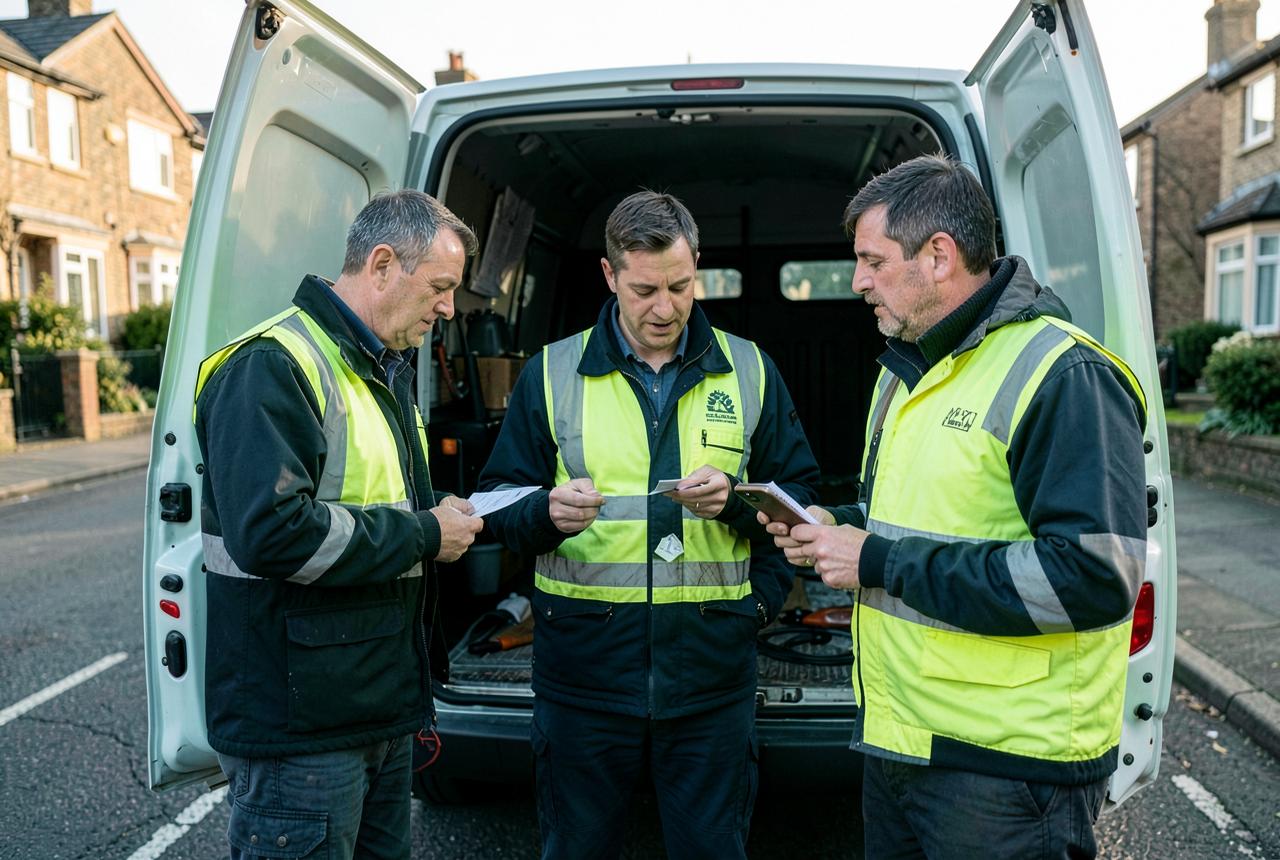 Small trade teams and subcontractorsTwo to ten people on the tools, invoicing main contractors or private customers.
 Carpenters and joinersFirst and second fix, staircases, doors, kitchens and bespoke joinery, priced or on day work.
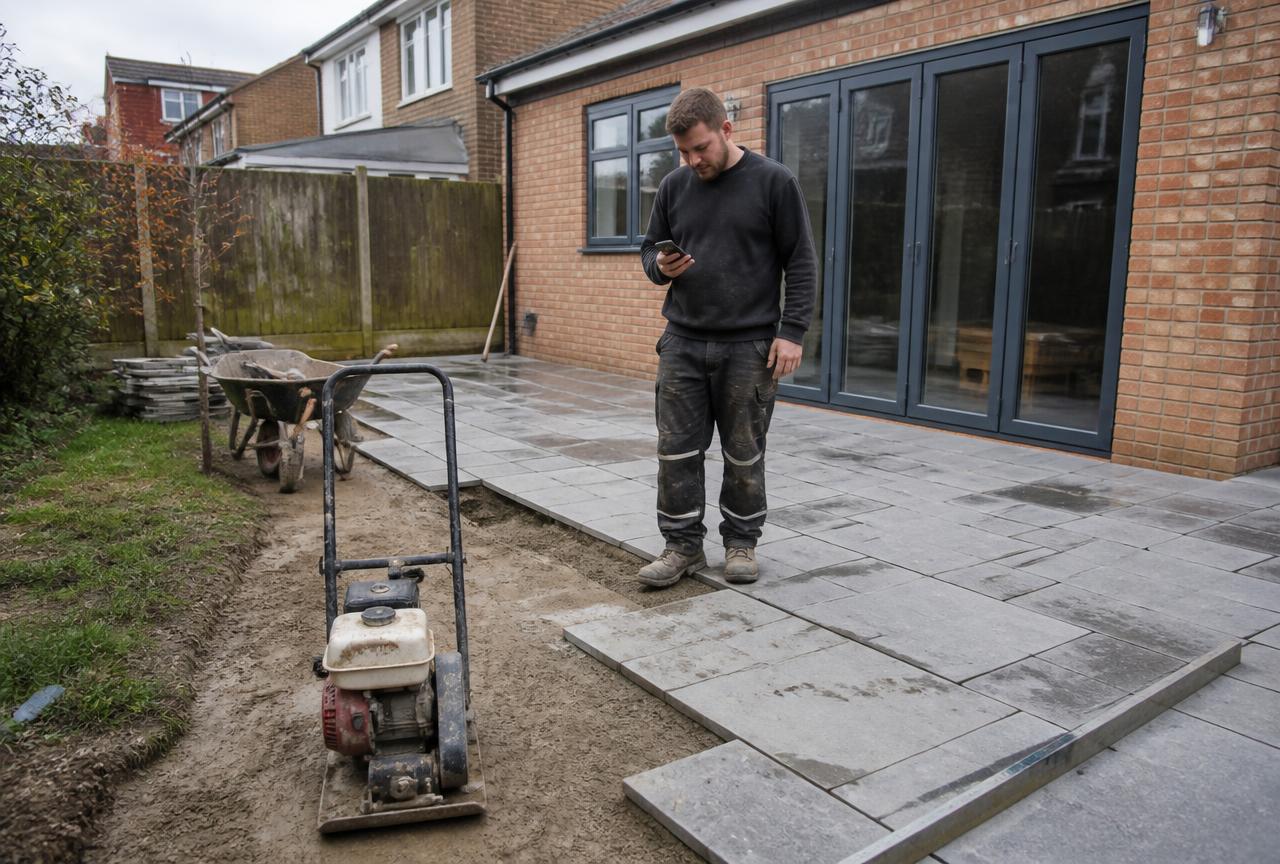 Landscapers and groundcarePatios, driveways, fencing, turf and planting — plus grounds maintenance rounds.
 Painters and decoratorsDomestic redecoration, new-build finishing and commercial repaints, priced or by the day.
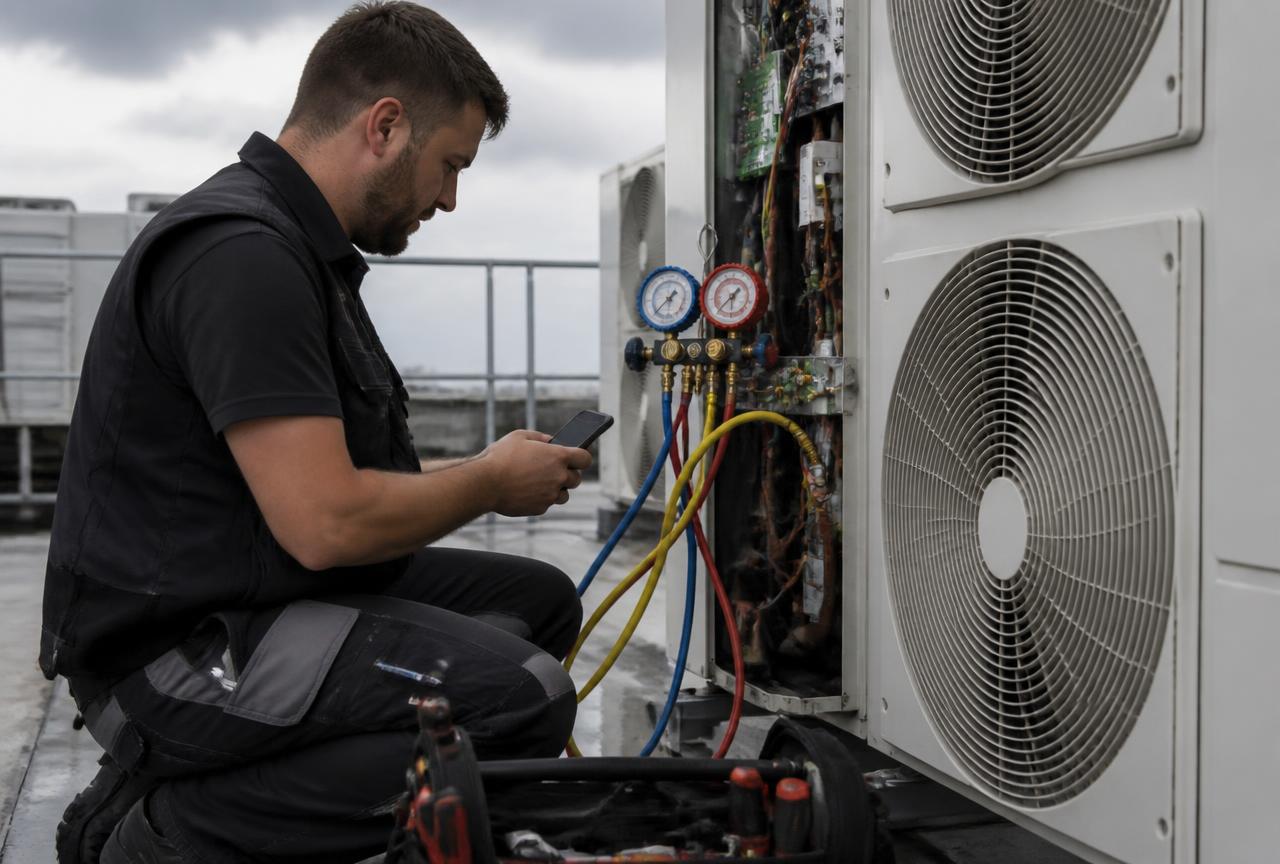 Air conditioning and refrigeration engineersInstallation, planned servicing and breakdown attendance on AC and refrigeration plant.
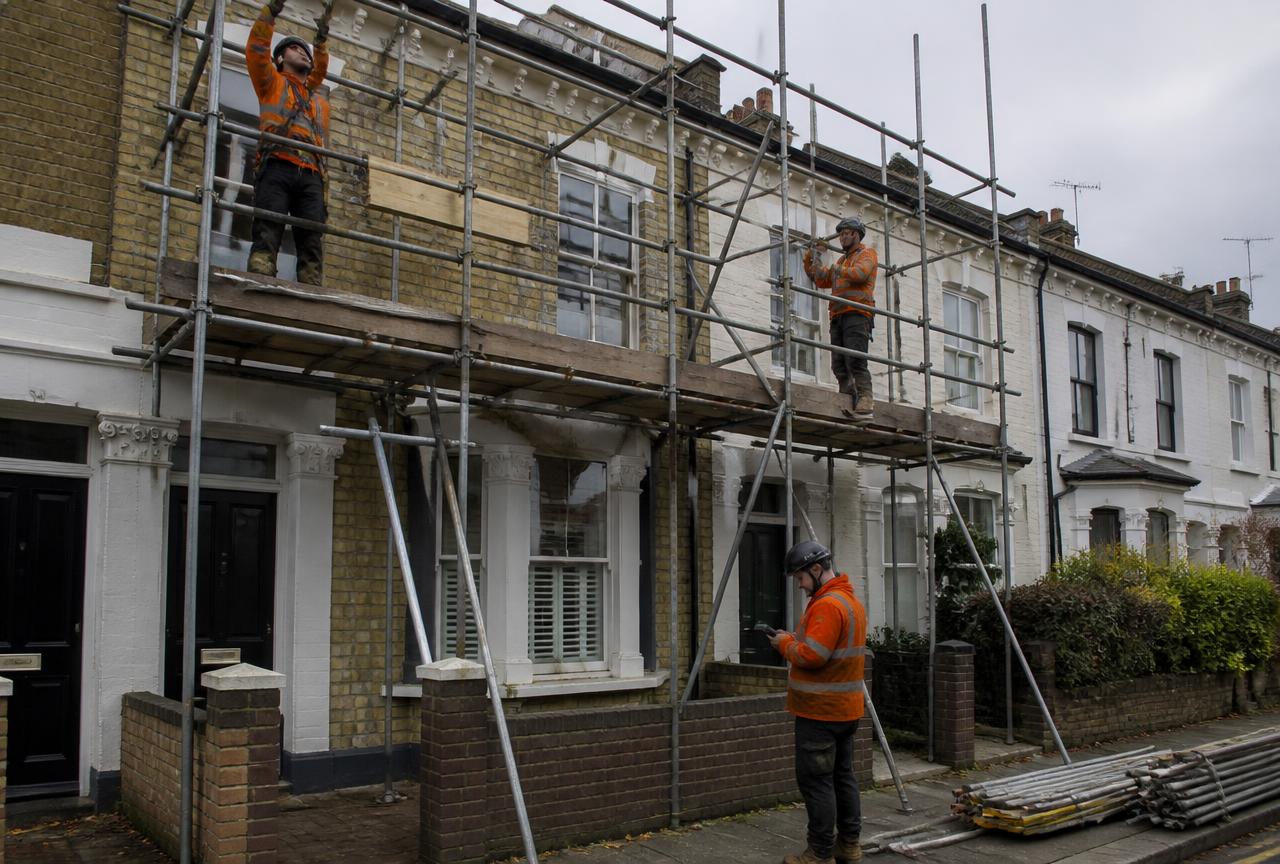 Scaffolders and accessErect, alteration, hire periods and dismantle — each one a chargeable event with its own record.
Less paperwork. Better records.
Record the work in one place, then turn the details into professional job sheets and invoices ready to send from your phone. The free plan includes 2 job sheets. They are watermarked and cannot be sent or shared until you upgrade.

 Scan with your iPhone or iPad
 Scan with your Android phone
Download the app, then register inside it. There is no separate website sign-up.