
Log the callout
Arrival, the fault reported, and the callout charge if you apply one.
plumber job sheet app
Callouts, boiler work, leaks and system repairs where both parts and time have to be recorded.
Day Worksheet is a job sheet app for plumbers and heating engineers. You log the callout, the time on the job and the parts fitted, attach photos of the fault and the finished repair, take a signature, and raise the invoice from the same record with VAT applied.

Arrival, the fault reported, and the callout charge if you apply one.
Hours on the job, separate from the callout, at your rate.
Valves, pumps, fittings and consumables with quantities as they go in.
The fault and the finished work, then a signature from the customer.
Illustrative scenario — not a real customer
A late afternoon callout to a leaking heating circuit under a kitchen floor. Nobody knows how long it will take when the phone rings.
The customer sees a job sheet that explains the charge, and the invoice is produced from the same record rather than typed up again that evening.
| Type of work | What usually goes on the sheet | Why it matters |
|---|---|---|
| Emergency callout | Arrival time, hours, parts, fault photo | Explains an out-of-hours figure |
| Boiler service or repair | Time, parts, before/after photos | Gives the customer a record of the visit |
| Leak or burst | Hours, materials, photos of damage found | Useful when an insurer asks |
| Bathroom or system work | Daily hours, materials, extras as day work | Keeps a multi-day job billable |
Basic at £4.99 a month covers up to 25 job sheets, and Premium at £9.99 a month covers up to 100. Start on the free plan's 2 job sheets to see how many you actually create.
Yes. Record the callout and the hours worked as separate labour lines so the customer can see exactly what each part of the figure is for.
Yes. Materials are entered with a quantity and a cost as you fit them, so nothing is reconstructed from memory at the end of the week.
The app calculates VAT from your business profile settings and applies it to the invoice. Always check the figures before sending — you remain responsible for their accuracy.
Yes. The finished sheet becomes a branded PDF you can email or share from the phone before you drive away.
 ElectriciansBoard changes, rewires, fault finding and remedial work — priced by the hour, by the day, or added to a job as an extra.
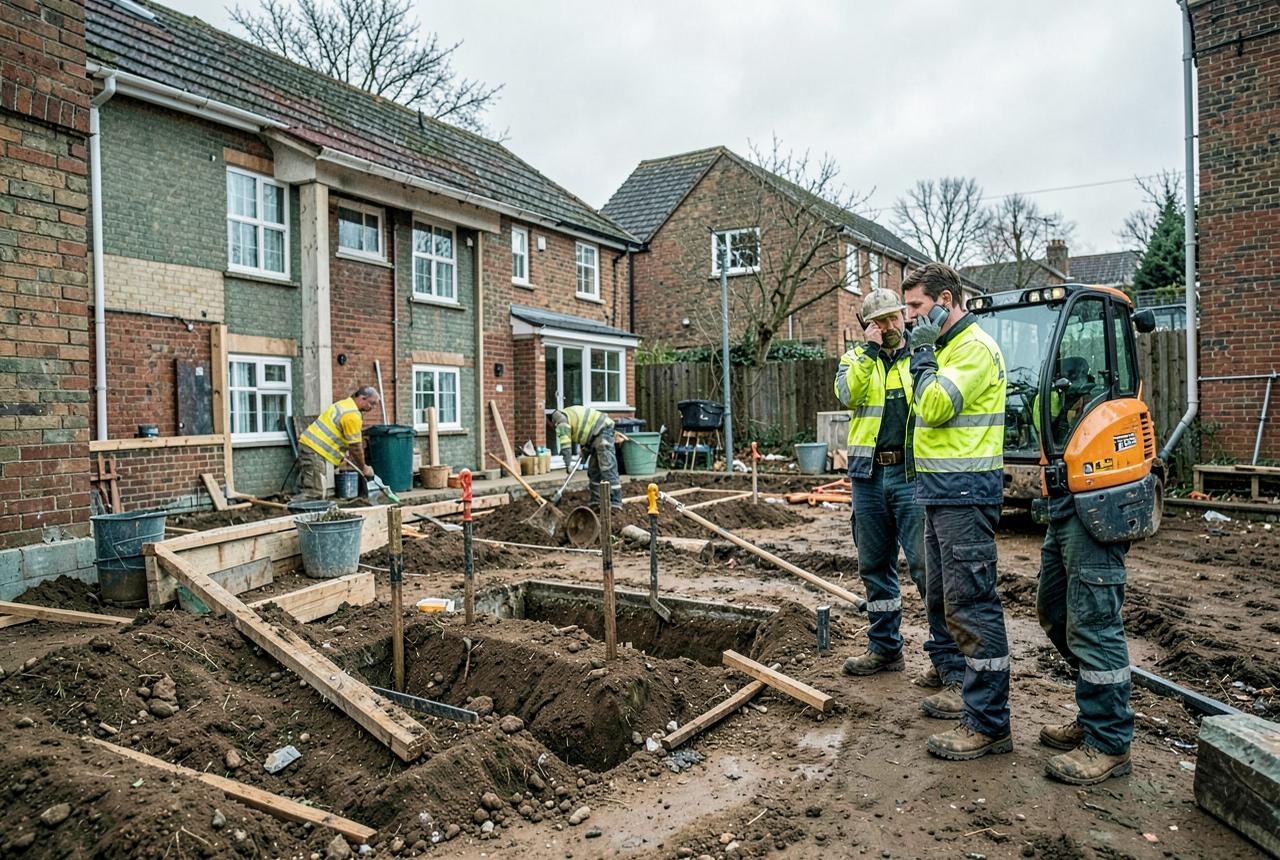 Builders and groundworkersVariation work, extras and anything outside the original price that has to be evidenced to get paid.
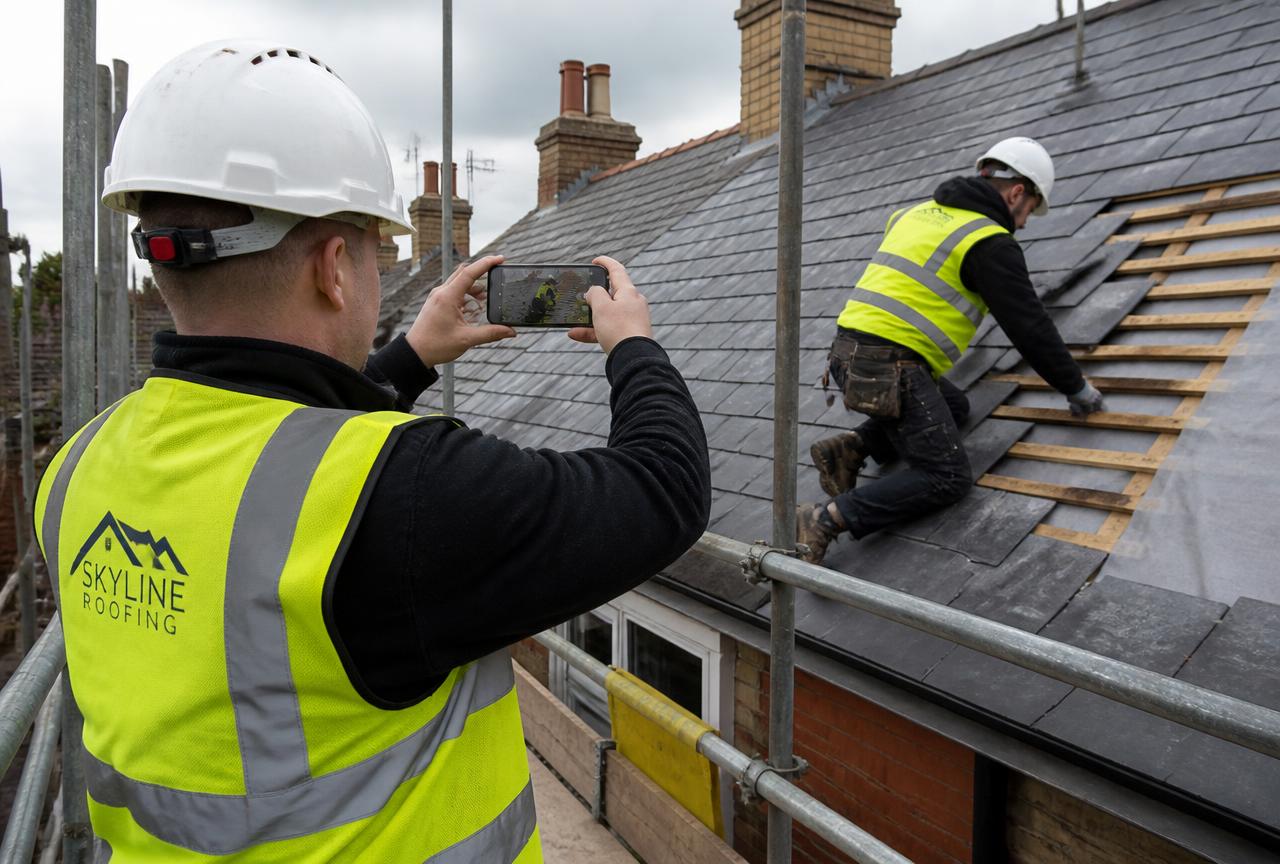 Roofers and external worksWeather-affected work at height where access equipment and proof photos matter more than anywhere else.
 Maintenance and facilities teamsRepeat attendances at the same buildings, where each visit needs its own clean record.
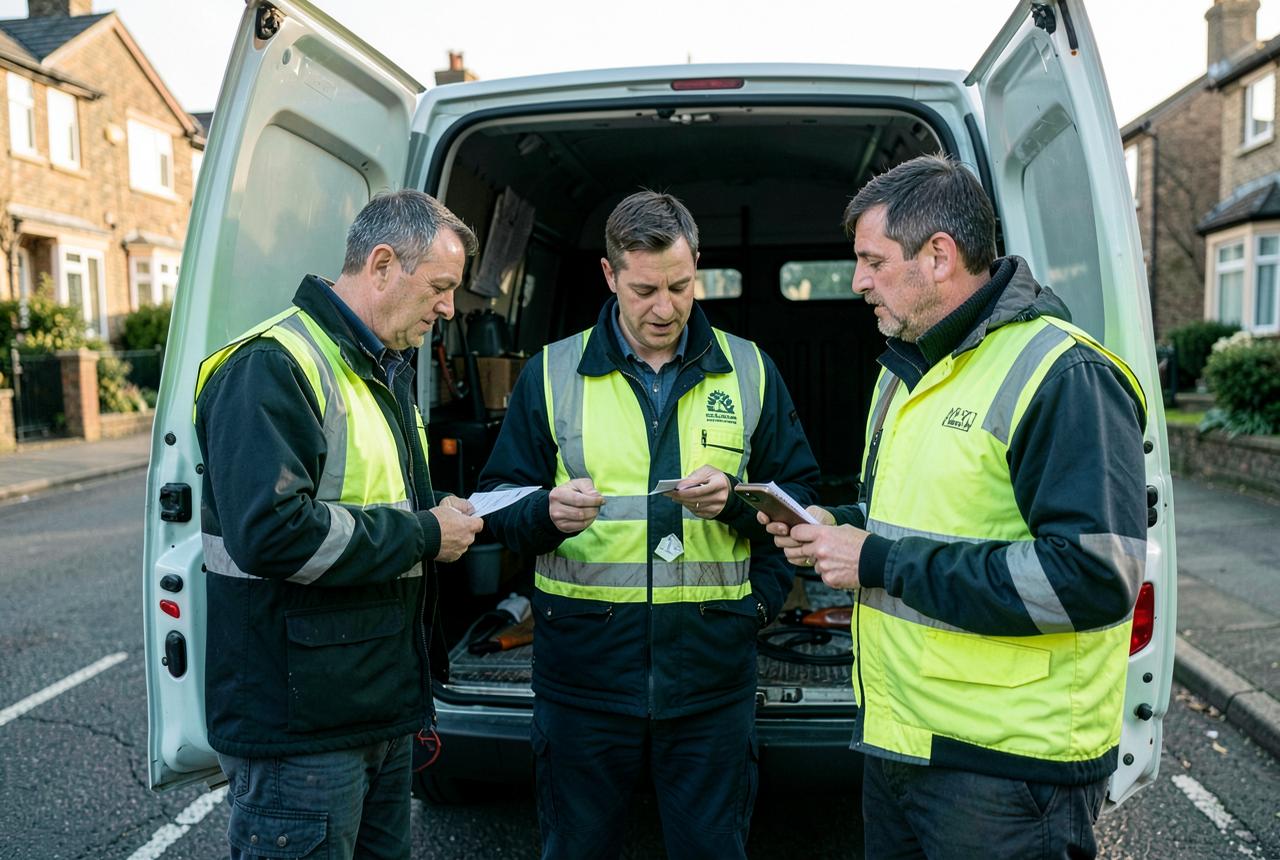 Small trade teams and subcontractorsTwo to ten people on the tools, invoicing main contractors or private customers.
 Carpenters and joinersFirst and second fix, staircases, doors, kitchens and bespoke joinery, priced or on day work.
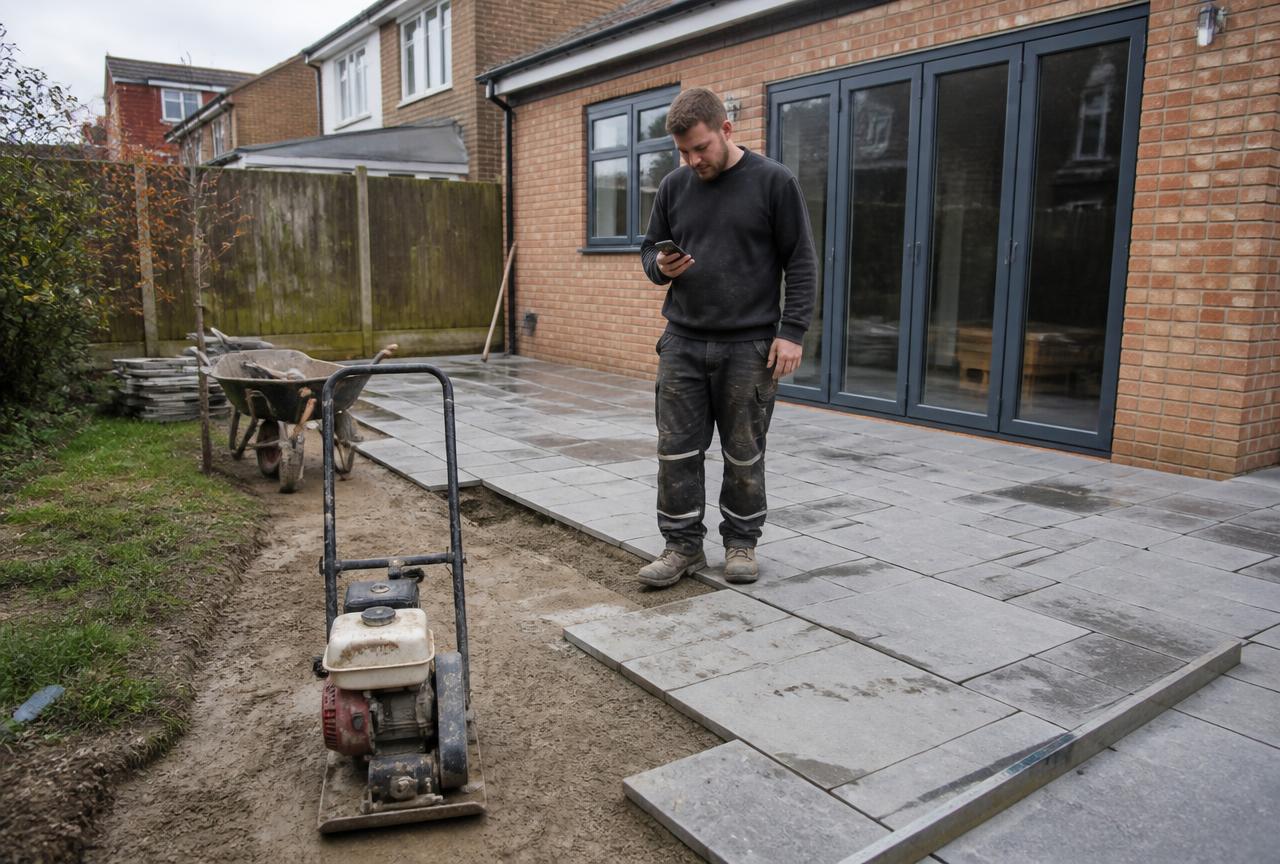 Landscapers and groundcarePatios, driveways, fencing, turf and planting — plus grounds maintenance rounds.
 Painters and decoratorsDomestic redecoration, new-build finishing and commercial repaints, priced or by the day.
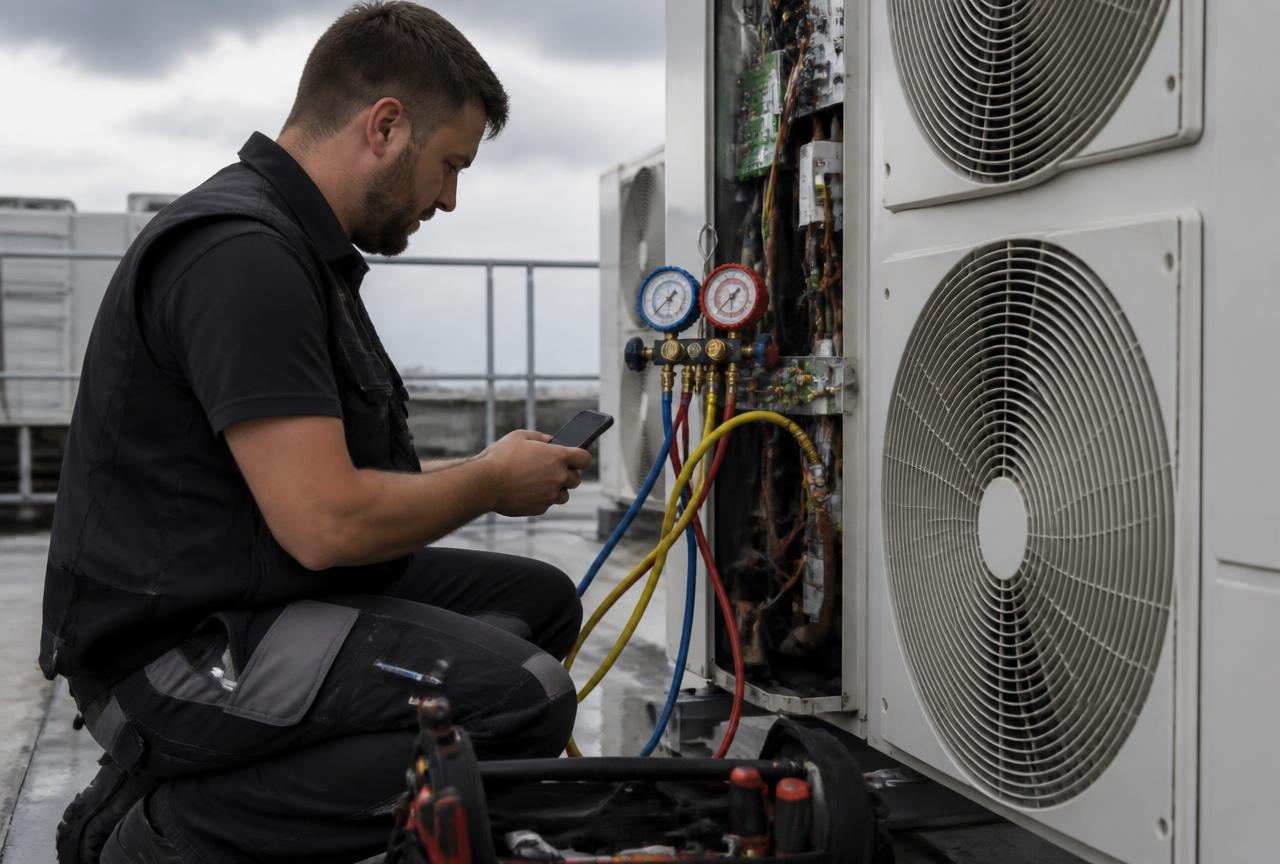 Air conditioning and refrigeration engineersInstallation, planned servicing and breakdown attendance on AC and refrigeration plant.
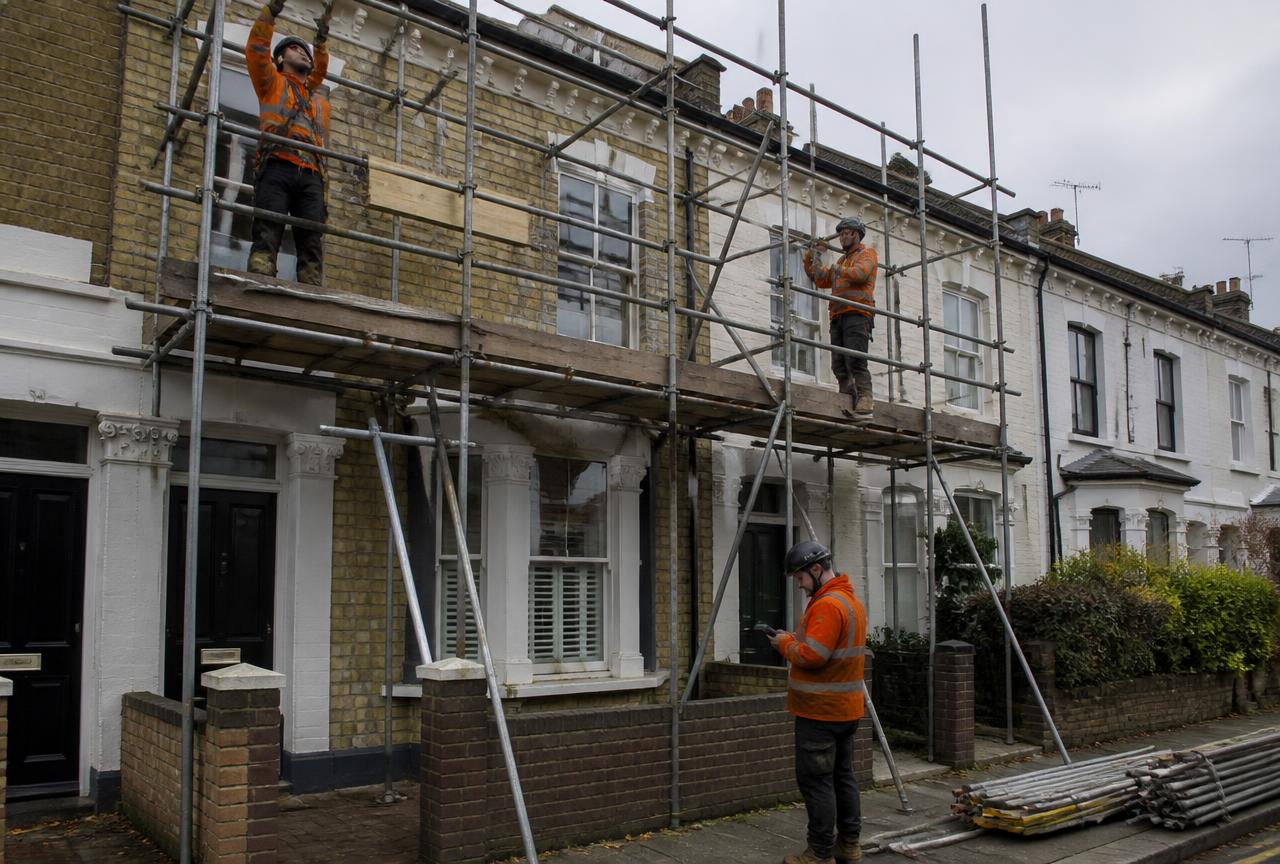 Scaffolders and accessErect, alteration, hire periods and dismantle — each one a chargeable event with its own record.
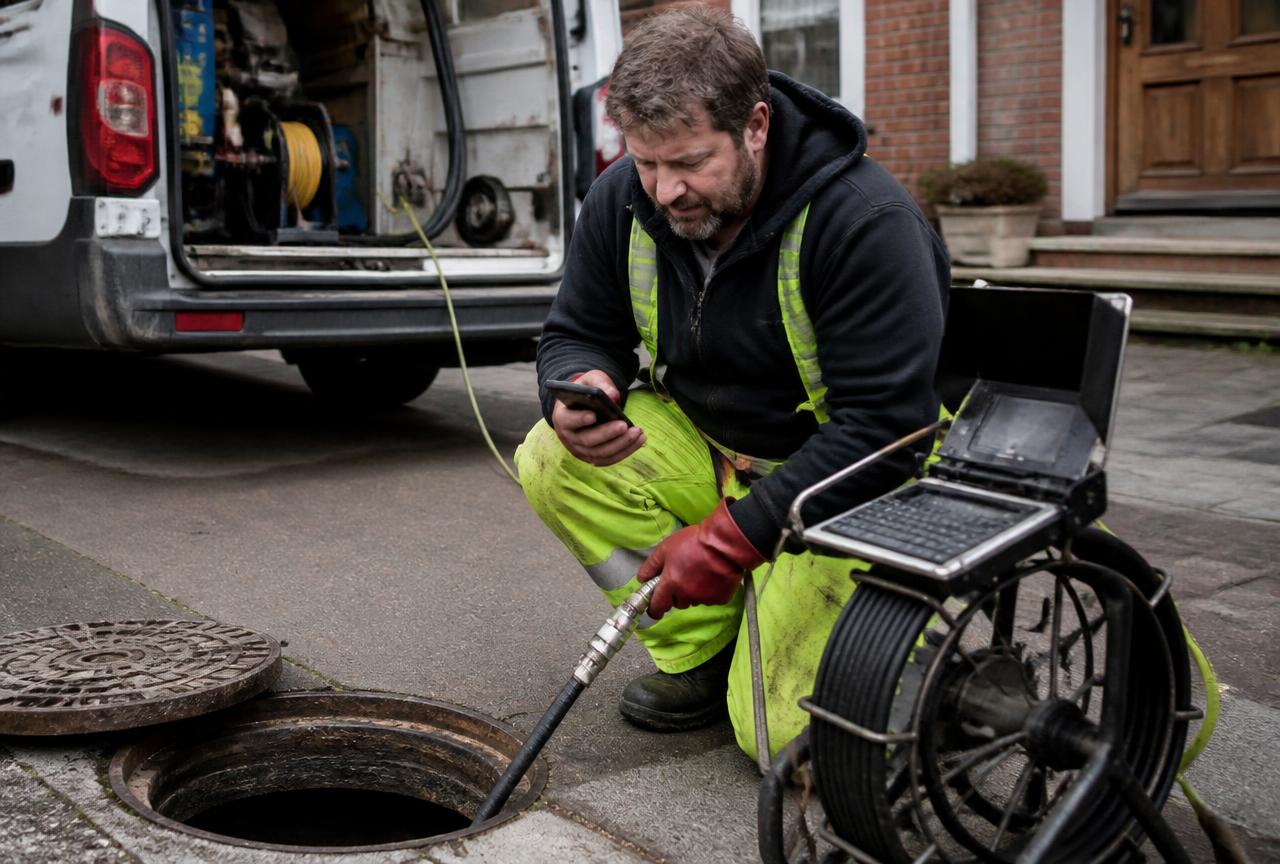 Drainage and septic engineersBlockages, jetting, CCTV surveys, repairs and septic tank work — usually urgent, usually messy.
Less paperwork. Better records.
Record the work in one place, then turn the details into professional job sheets and invoices ready to send from your phone. The free plan includes 2 job sheets. They are watermarked and cannot be sent or shared until you upgrade.

 Scan with your iPhone or iPad

 Scan with your Android phone
Download the app, then register inside it. There is no separate website sign-up.